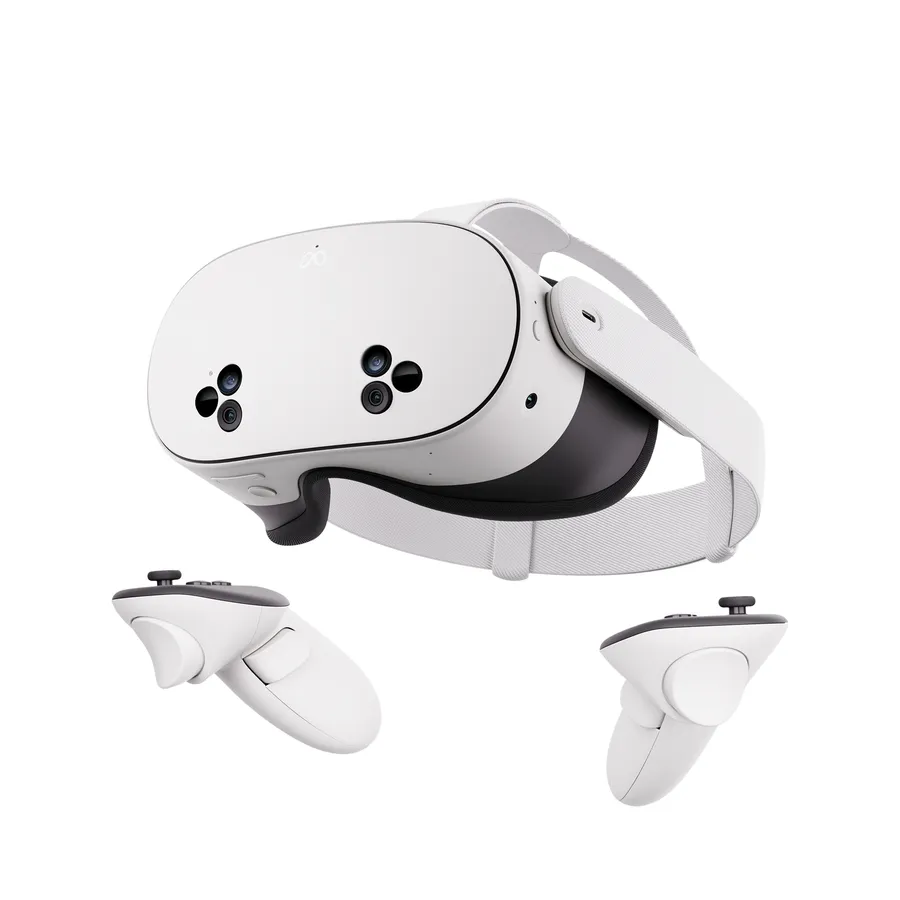
The budget Quest: same chip, Fresnel lenses.
- Quest store, SideQuest, PC
- LCD Fresnel
The Meta Quest 3 at $499 is the practical PCVR default because every serious player app ships there first and Air Link or Steam Link bridge to SteamVR. Native SteamVR buyers get sharper panels: the Pimax Crystal Light at $699 (2880x2880 QLED) or the Bigscreen Beyond 2 at $1,599 (micro-OLED, 127 grams). The PSVR2 works over its official PC adapter but documents no native adult apps. If budget rules, the Quest 3S at $299 runs the same ecosystem with blurrier Fresnel edges.
The budget Quest: same chip, Fresnel lenses.
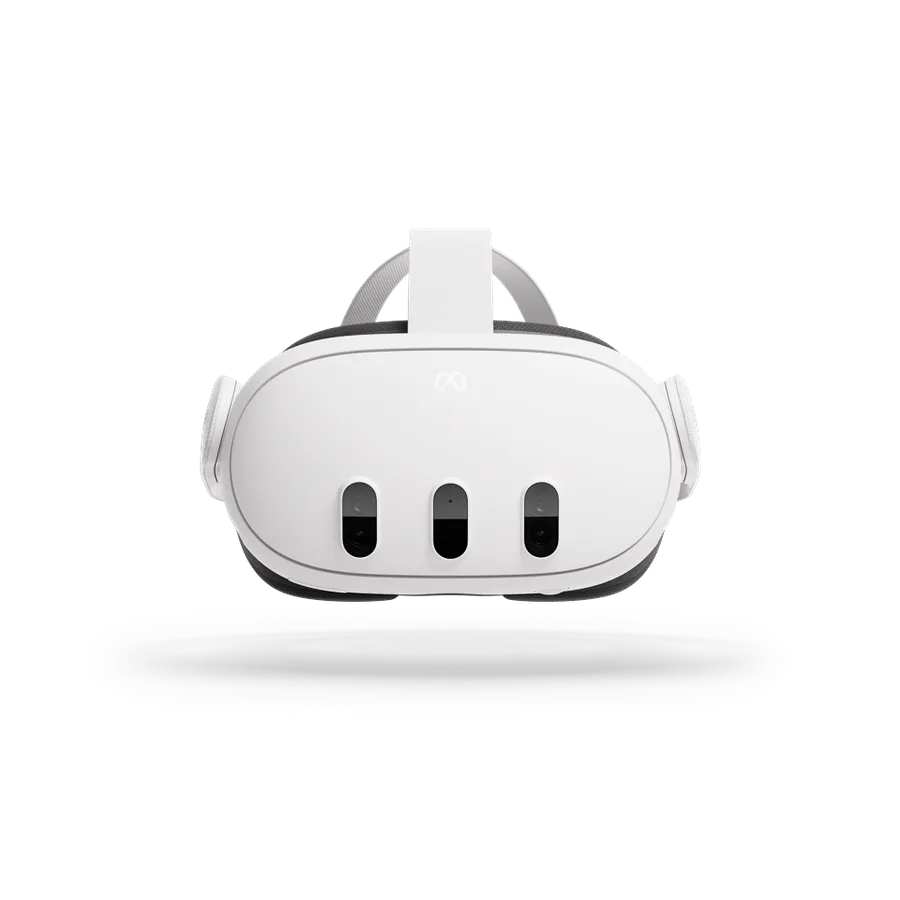
The adult-VR default: pancake clarity, best app support, passthrough.
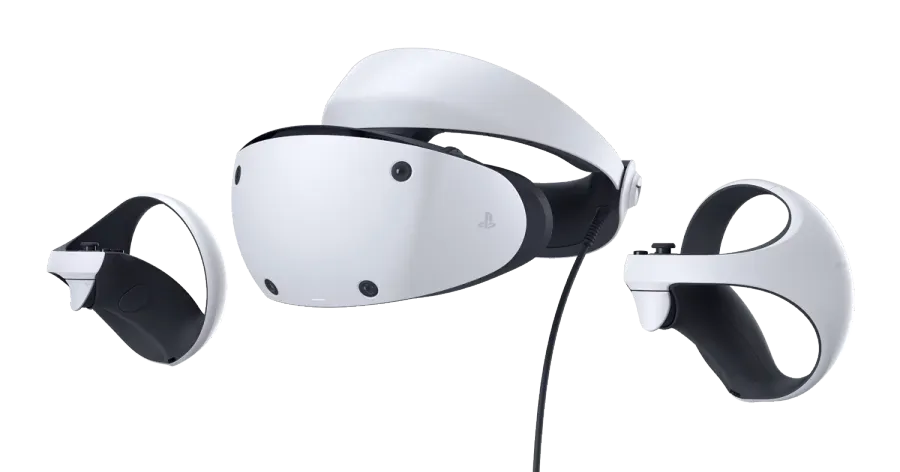
OLED and great lenses, but a locked ecosystem for adult use.
Micro-OLED, 127 grams - the comfort king for PCVR.
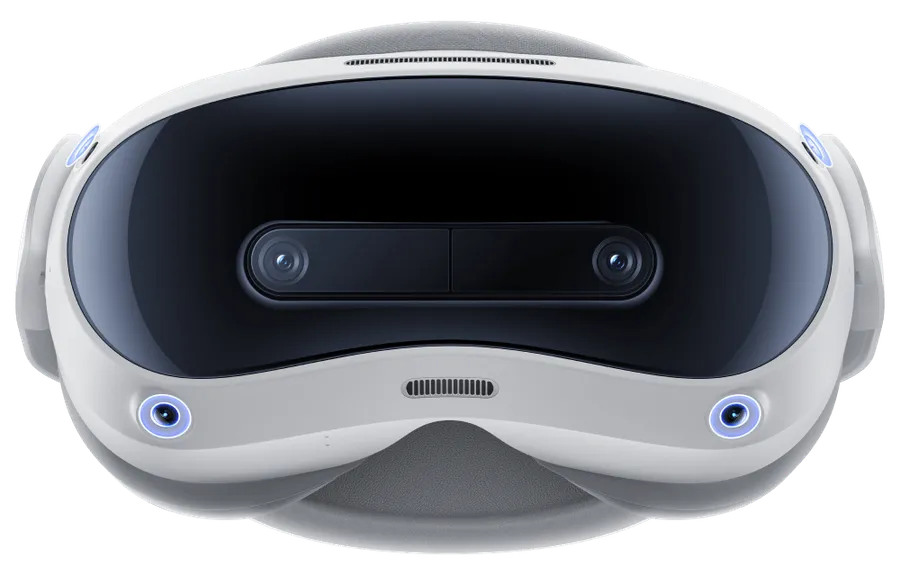
The Quest alternative with better balance and pancake lenses.

High-clarity PCVR at a mid price - QLED pancake.

The old PCVR benchmark - comfortable, but low-res by today's standards.

The 2020 workhorse - discontinued but everywhere secondhand.

High-res PCVR workhorse for sim and steam users.

Standalone-capable premium PCVR headset.

The original Pico 4, superseded by the Ultra.
The Meta Quest 3 at $499 is the practical PCVR default because every serious player app ships there first and Air Link or Steam Link bridge to SteamVR. Native SteamVR buyers get sharper panels: the Pimax Crystal Light at $699 (2880x2880 QLED) or the Bigscreen Beyond 2 at $1,599 (micro-OLED, 127 grams). The PSVR2 works over its official PC adapter but documents no native adult apps. If budget rules, the Quest 3S at $299 runs the same ecosystem with blurrier Fresnel edges.
PCVR is where the resolution ceilings of every content board on this site stop being theoretical. A standalone headset streams compressed video; a PCVR setup renders the full file at panel resolution - if the headset, the bridge and the PC cooperate. That "if" is the whole game: this vertical is less about picking a panel and more about picking a pipeline. We rank 11 headsets that document PCVR paths, from $199 on the used market to $1,599 for the comfort king.
Three parts have to agree. The PC does the rendering - a gaming-class GPU is the price of admission for the high per-eye panels below, and no headset on this board changes that. The bridge moves the frames: either a cable (Meta Link, Pico's Streaming Assistant over USB) or wireless streaming (Air Link, Steam Link). Native SteamVR headsets skip the bridge entirely and talk to SteamVR over lighthouse tracking - which costs base stations and setup time. And the headset shows the result, where panel type and per-eye resolution decide how much of the file's detail survives.
The adult-VR-specific wrinkle: player apps. The serious players ship for the Quest store first - our Quest 3 verdict calls its app support the ecosystem's core strength - and everything else on this board reaches those players through the same bridges, or through SteamVR builds.
11 headsets on this board document a PCVR path. Prices on the board run from $199 (a used Quest 2) to $1,599 (Bigscreen Beyond 2), with the median at $549. Consensus scores here are unusually cool across the board - the friendliest number any headset earns is 7 out of 10 - because headset reviews carry the weight of setup friction, comfort and software quality, not just image clarity.
| Product | Score | Price | Review | |
|---|---|---|---|---|
| Meta Quest 3 | 6.9 | $499 once | Review |
| Bigscreen Beyond 2 | 4.9 | $1599 once | Review |
| Pimax Crystal Light | 4.3 | $699 once | Review |
| Pico 4 Ultra | 4.7 | $549 once | Review |
| PlayStation VR2 | 6.8 | $399 once | Review |
| Meta Quest 3S | 7.4 | $299 once | Review |
Three headsets talk to SteamVR directly, and all three need base stations and a gaming PC.
Bigscreen Beyond 2 ($1,599) is the comfort king: micro-OLED pancake panels at 2560x2560 per eye, 127 grams, and documented pros that matter more in adult VR than anywhere else - "OLED blacks transform dark scenes" and "lightest headset by far". The documented cons are structural: base stations, a gaming PC, and the price. This is the headset our OLED hub is built around.
Pimax Crystal Light ($699) is the sharpness pick: QLED pancake at 2880x2880 per eye, native SteamVR, "very sharp optics for the price" per its pros - with Pimax software quality documented as hit and miss, and a 3.5 consensus from a single review to keep expectations honest.
HTC Vive Pro 2 ($799) is the watch-list workhorse: LCD at 2448x2448, native SteamVR, a 6.3 consensus from 2 reviews. Still on file, no longer the recommendation - the Crystal Light undercuts it on panel and price.
Quest 3 ($499) is our verdict's "safe default for VR porn in this generation": LCD pancake at 2064x2208 per eye, PCVR via Link, Air Link or Steam Link, and the documented pros that decide daily use - every serious player app ships here first, pancake lenses keep detail sharp, and the community tweaks ecosystem is active. The documented cons: LCD blacks turn grey in dark scenes (the OLED hub exists for a reason), and the stock interface puts pressure on the face. The verdict's advice is specific: pair it with a lens insert and a third-party strap.
Quest 3S ($299) runs the same chip and the same app ecosystem with Fresnel lenses at 1832x1920 - "noticeably blurrier edges than Quest 3" is the entire documented trade. It is the budget bridge into PCVR that is also a full standalone.
Pico 4 Ultra ($549) is the comfort alternative: LCD pancake at 2160x2160, "more comfortable than Quest 3 for long sessions" and sharp pancake optics per its pros, with thinner adult player apps on the native store and SteamVR bridging that adds fiddling. Consensus 4 from 1 review.
<figure class="fig-diagram"><svg viewBox="0 0 734 330" role="img" aria-label="Two pipelines: standalone headsets bridge to the PC, native SteamVR headsets skip the bridge but need base stations."> <defs> <marker id="dg-head" markerWidth="8" markerHeight="8" refX="6" refY="3" orient="auto"> <path d="M0,0 L6,3 L0,6 Z" fill="#ff4f8f"/> </marker> </defs> <text class="dg-h" x="24" y="40">Two PCVR pipelines</text>
<!-- route A: standalone + bridge --> <text class="dg-lbl-dim" x="40" y="72">Route A: standalone headset + bridge</text> <rect class="dg-node" x="40" y="86" width="170" height="96"/> <text class="dg-lbl" x="58" y="114">Gaming PC</text> <text class="dg-lbl-2" x="58" y="136">renders the scene</text> <rect class="dg-node" x="250" y="86" width="170" height="96"/> <text class="dg-lbl" x="268" y="114">Bridge</text> <text class="dg-lbl-2" x="268" y="136">Link / Air Link /</text> <text class="dg-lbl-2" x="268" y="156">Steam Link / Pico Assistant</text> <rect class="dg-node-strong" x="460" y="86" width="230" height="96"/> <text class="dg-lbl" x="478" y="114">Quest 3 / 3S / 2, Pico 4</text> <text class="dg-lbl-2" x="478" y="136">also runs standalone -</text> <text class="dg-lbl-2" x="478" y="156">player apps ship here first</text> <path class="dg-arrow" d="M210,134 L246,134"/> <path class="dg-arrow" d="M420,134 L456,134"/> <text class="dg-lbl-dim" x="250" y="200">compression over the bridge - convenience for sharpness</text>
<!-- route B: native steamvr --> <text class="dg-lbl-dim" x="40" y="236">Route B: native SteamVR + lighthouse</text> <rect class="dg-node" x="40" y="250" width="170" height="60"/> <text class="dg-lbl" x="58" y="274">Gaming PC</text> <text class="dg-lbl-2" x="58" y="294">SteamVR direct</text> <rect class="dg-node" x="250" y="250" width="170" height="60"/> <text class="dg-lbl" x="268" y="274">Base stations</text> <text class="dg-lbl-2" x="268" y="294">room tracking</text> <rect class="dg-node-strong" x="460" y="250" width="230" height="60"/> <text class="dg-lbl" x="478" y="274">Beyond 2 / Crystal Light</text> <text class="dg-lbl-2" x="478" y="294">no bridge, PC only</text> <path class="dg-arrow" d="M210,280 L246,280"/> <path class="dg-arrow" d="M420,280 L456,280"/> </svg><figcaption>Two pipelines: standalone headsets bridge to the PC, native SteamVR headsets skip the bridge but need base stations.</figcaption></figure>
The PSVR2 ($399) is the OLED tease of this vertical: 2000x2040 per eye, great lenses, eye tracking - and a locked ecosystem. It documents no native adult apps, and its official PC adapter works but is documented as "functional but limited". At 6 consensus from 3 reviews it is a console purchase that can moonlight on PC, not a PCVR headset that happens to work on console. Our OLED hub covers the honest version: real panel, real friction.
The spec sheet numbers on this board deserve one honest paragraph, because they are the most misread figures in the vertical. Per-eye resolution runs from 1440x1600 (Valve Index, the 2019 benchmark) through 1832x1920 (Quest 2 and 3S, Fresnel) and 2000x2040 (PSVR2) to the pancake tier: 2064x2208 (Quest 3), 2160x2160 (Pico 4 and 4 Ultra), 2448x2448 (Vive Pro 2), 2560x2560 (Beyond 2) and 2880x2880 (both Pimax Crystals). Two documented variables sit on top of the pixel count: panel type (LCD versus QLED versus micro-OLED - the blacks question our OLED hub covers) and lens type (Fresnel versus pancake - the Quest 3S's "noticeably blurrier edges" is a lens artifact, not a panel one).
The adult-VR-specific reading: dark scenes are the norm for this content, which is exactly why the LCD headsets' grey-blacks cons keep getting written into reviews, and why 4K-class panels leave the top of an 8K file unresolved - the resolution boards on the content side document that ceiling from the studio direction.
Four more headsets sit on the board as watch stock: the Quest 2 ($199 used, discontinued, everywhere secondhand - the cheapest documented PCVR entry), the original Pico 4 ($379, superseded by the Ultra), the Pimax Crystal ($999, the standalone-shell premium version of the Light's panels) and the Valve Index ($999, the old PCVR benchmark at 1440x1600 - comfortable, but low-res by today's standards, consensus 7 from 3). They rank below the active field because availability and age, not because the pipelines differ. The Quest 2 deserves its own sentence: at $199 used it documents the same per-eye panel as the 3S, bridges over Link or Air Link, and remains the single cheapest documented route into PCVR on this board - with a 6 consensus from 3 reviews behind it. If your budget is the constraint, "used Quest 2 now, Quest 3 later" is a defensible ladder rather than a compromise.
The price tags on this board are not the whole bill, and the dossiers say so in their cons columns. Native SteamVR adds base stations to the cart (Beyond 2, Vive Pro 2, Index). The bridge route hides its cost in setup and compression trade-offs instead. The PSVR2 needs its official PC adapter as a separate purchase. And the Quest 3's verdict carries the most-quoted advice in this vertical for a reason: a lens insert and a third-party strap are the two documented comfort fixes that turn "safe default" into a headset worth wearing for long sessions. Budget for the accessories at purchase time, not after the first frustrating evening.
Check the current price before buying - headset pricing moves with sales cycles - and read the full reviews: every claim here traces to a linked source with a checked date.